
Is Kiss918 a scam? Often the bigger threat is not the brand itself, but fake APK packages, phishing sites, lookalike agents and Telegram prediction-bot fraud that borrow familiar branding.
This page walks Malaysian players through spotting risky downloads, checking a Kiss918 install, reviewing Android permissions and sidestepping common mobile-gambling traps.
Security Alert
Avoid installing any APK that arrives out of the blue via Telegram, WhatsApp, TikTok or another private chat. A tampered Android package can show the usual login screen while harmful code runs behind it.
918kissrasmi.com is an independent review and security-information resource. We track risky distribution channels and scam patterns tied to the platform and its name.
Is Kiss918 a Scam, or Are Fake Copies the Real Risk?
Seeing a logo, filename or familiar login screen still does not confirm a download is authentic.
Fraudsters can copy a gaming platform's look and ship their own Android package, push users through a phishing landing page or pose as an agent on social media.
Most security complaints cluster into a few clear types:
- modified or fake APK files;
- fraudulent Telegram channels;
- unofficial WhatsApp agents;
- cloned login pages;
- fake app updates;
- “RTP hack” and prediction-bot offers;
- suspicious payment instructions.
Key point: App technical safety and operator trustworthiness are separate issues. An APK can be free of malware while the agent handling a payment remains unreliable.
Current Scam Alerts Targeting Malaysia
The table below outlines the main patterns to recognise before you install an app or transfer funds.
| Threat | Typical Lure | Main Risk | Severity |
|---|---|---|---|
| Fake Telegram channels | “100% win bot”, “free credit”, “VIP prediction” | Phishing, fake deposits, malicious downloads | Critical |
| Modified APK files | “Latest version”, “Malaysia MOD”, “anti-ban APK” | Credential theft, spyware, Trojan-Banker behaviour | Critical |
| Unofficial agents | “Special bonus”, “private bank account” | Deposit theft or withdrawal disputes | High |
| Prediction / hack bots | “RTP scanner”, “AI jackpot predictor” | Advance-fee fraud or malware | Critical |
| Fake update pages | “App expired”, “certificate update required” | Repacked APK or unsafe device profile | High |
File-size warning: An expected APK size can flag an obvious mismatch, but file size is NOT a guaranteed safety indicator. Attackers can pad or stuff a malicious package so it matches an expected size.
Fake Kiss918 Telegram Channels and Prediction Bots
One frequent scam opens with a Telegram channel pushing claims such as:
- “100% win prediction”
- “private RTP scanner”
- “AI jackpot signals”
- “free credit without deposit”
- “VIP algorithm access”
A large follower count does not prove a channel is legitimate. Followers, reactions and testimonials can all be faked.
Later the channel may push the user toward a fake registration page, an unknown APK or a payment account the scammer controls.
Fake 918Kiss APK and Trojan-Banker Risk

A fake 918Kiss APK can reuse the expected icon, name and login UI while shipping extra code.
Depending on the malware family, a malicious gaming app may try to:
- read notifications;
- capture login credentials;
- abuse Accessibility Services;
- display overlays above banking apps;
- monitor SMS messages;
- redirect the browser;
- download additional payloads.
Security researchers often label financially motivated Android malware with these behaviours as Trojan-Banker malware.
How an app looks therefore gives almost no real proof of authenticity.
Unofficial WhatsApp Agents and Fake Payment Requests
Not every fraud needs malware.
An impersonator may reach players on WhatsApp and pitch:
- unusually large bonuses;
- faster withdrawals;
- a “VIP account”;
- private payment details;
- a new bank account for deposits.
Treat sudden changes to payment instructions as a warning sign.
How to Check a Kiss918 APK Before You Install
A solid security check relies on several independent signals. Do not trust filename, icon or file size on their own.
1. Verify the APK Download Source
Begin by confirming where the file actually came from.
Sources that raise more risk include:
- Telegram file attachments;
- WhatsApp messages;
- TikTok or Facebook DMs;
- shortened URLs;
- anonymous file-hosting sites;
- “MOD APK” directories;
- unknown mirror domains.
A filename such as:
kiss918-official.apk
or:
918kiss-latest.apk
proves nothing by itself. Android filenames can be renamed without changing the application.
Start from our app installation page for current Android and iOS steps.
2. Compare the APK File Size
The Android build commonly cited as a reference is about 45 MB, though package size can shift between releases.
A package that is far smaller or larger than the expected build needs a closer look.
For example:
| Check | Result |
|---|---|
| Close to expected build size | Useful as a basic consistency check |
| Under ~15 MB | Investigate before installation |
| Over ~100 MB | Investigate before installation |
| Exactly the expected size | Still not proof of safety |
Size can be faked.
Malware authors can pad files, embed assets or add code so a malicious package roughly matches a genuine build's size.
Treat file size as an anomaly signal, not as authentication.
3. Inspect Android Manifest Permissions
Android apps declare the capabilities they want through Android Manifest permissions.
Once installed, check:
Settings → Apps → Kiss918 / 918Kiss → Permissions
Be especially wary if a gaming client asks for:
- SMS access;
- contacts;
- call logs;
- Accessibility Services;
- Device Administrator;
- notification access;
- overlay permissions;
- microphone access without a clear feature;
- precise location without a clear reason.
Permissions like READ_SMS, READ_CONTACTS or strong Accessibility access should not be needed just to play a slot game.
Critical Red Flag
If an app says SMS or Accessibility access is needed to “unlock RTP”, activate bonuses or boost winning chances, stop using it.
4. Do Not Use a Google Play Protect Bypass
Leave Google Play Protect turned on when installing apps outside Google Play.
A risky prompt may say:
“Play Protect detects the app, so switch it off before installation.”
Do not follow that advice by default.
A warning may need more investigation, but turning off device protection is not a verification step.
Searches for a Google Play Protect bypass are also often abused by sites that ship modified APK files.
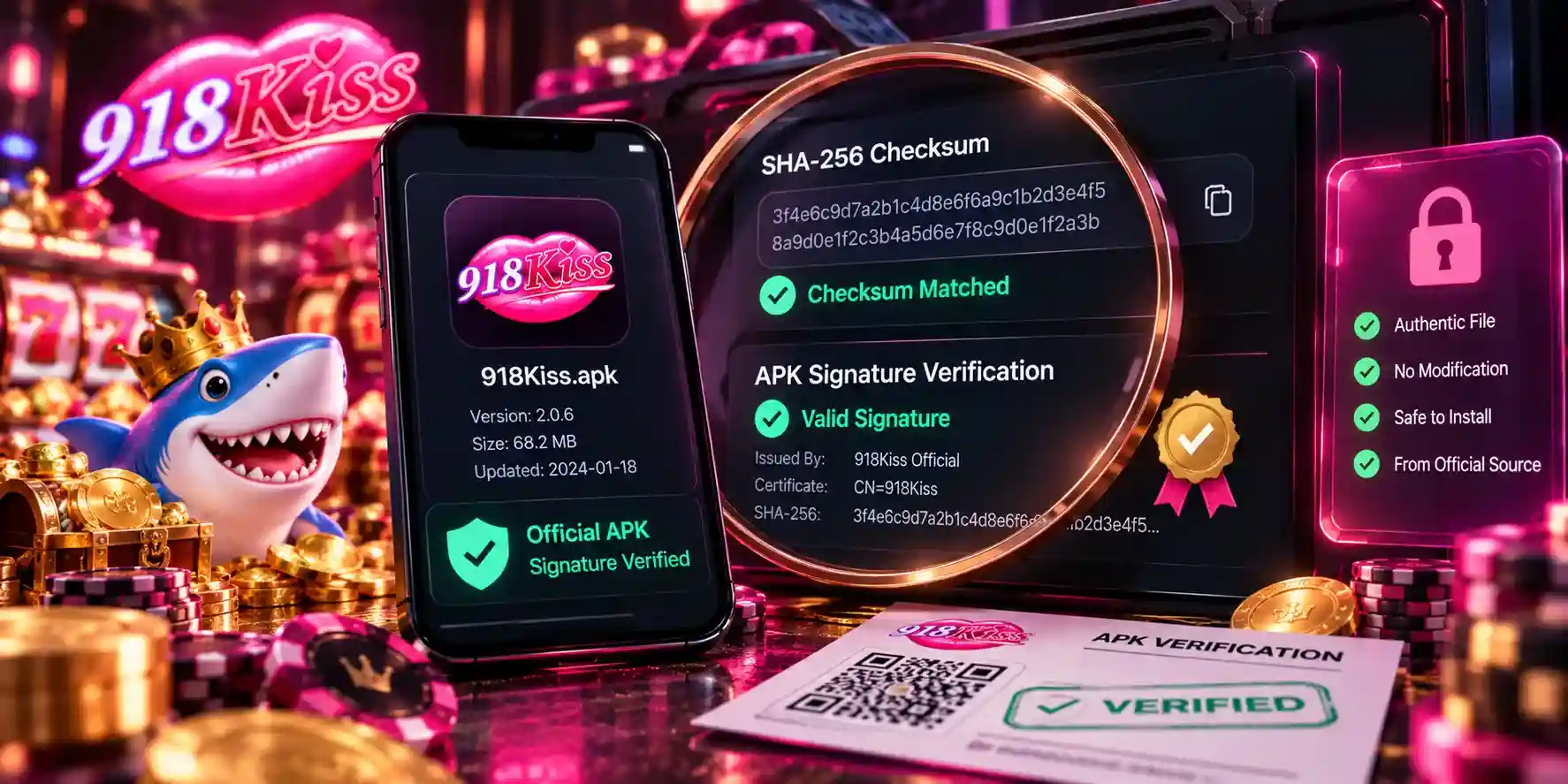
SHA-256 Checksums and APK Signature Checks
Cryptographic checks are stronger than visual comparisons because they inspect the file itself.
How SHA-256 Checks Work
SHA-256 produces a 64-character hexadecimal fingerprint for a file.
Sample format:
EXAMPLE ONLY - NOT A KISS918 CHECKSUM

e3b0c44298fc1c149afbf4c8996fb924
27ae41e4649b934ca495991b7852b855
A real SHA-256 value is usually one continuous 64-character string.
Change even one byte inside an APK and its SHA-256 hash changes too.
Check SHA-256 on Windows
Get-FileHash .\918kiss.apk -Algorithm SHA256Check SHA-256 on macOS
shasum -a 256 918kiss.apkCheck SHA-256 on Linux
sha256sum 918kiss.apkMatch the full output to the checksum published for the exact same APK version.
Important: 918kissrasmi.com should only publish a reference SHA-256 after that specific release has been checked independently. We do not keep a permanent “universal” checksum because every genuine app update changes the file and therefore its hash.
A solid verification record should include:
| Verification Data | Why It Matters |
|---|---|
| Version number | Identifies the exact release |
| File size | Basic consistency check |
| SHA-256 | Detects file modification |
| Verification date | Shows freshness |
| Source | Establishes provenance |
| Signing certificate | Helps identify the developer key |
Why a Matching SHA-256 Alone Is Not Enough
A checksum only shows that two files are identical.
If an attacker owns both:
- the malicious APK; and
- the webpage publishing its hash,
the hashes will still match.
For better protection, pair checksum comparison with APK signature verification and source checks.
Verifying the APK Signature
Android apps are digitally signed.
Anyone with Android SDK Build Tools can inspect the certificate with:
apksigner verify --print-certs 918kiss.apkA sudden change in the signing-certificate fingerprint between a previously trusted build and a claimed update deserves a closer look.
That alone does not prove malware, but APK signature verification is a far stronger signal than the filename or icon.
iPhone Security: Enterprise Certificates and Configuration Profiles
iOS users do not install APK files, but they can still face unsafe distribution methods.
Be careful if a site or private agent asks you to install:
- an enterprise certificate;
- a configuration profile;
- mobile device management (MDM);
- an unknown Safari profile.
Open:
Settings → General → VPN & Device Management
Check the organisation or developer name before trusting anything.
Never install an unknown configuration profile just because someone says it is needed to “activate VIP”, fix a withdrawal or unlock an account.
For normal iPhone install steps, see our Kiss918 app guide.
How to Spot a Fake Kiss918 Login or Phishing Page
A phishing landing page may closely mirror the original layout while sending usernames and passwords to another server.
Before you type account details, check the full hostname in the address bar.
This site uses:
918kissrasmi.com
Watch out for:
- extra words;
- additional hyphens;
- misspellings;
- unusual domain extensions;
- misleading subdomains.
For example:
918kissrasmi.com.example.com
is a subdomain owned by example.com - not by 918kissrasmi.com.
HTTPS is not proof of legitimacy.
HTTPS means the connection is encrypted. Phishing sites can also hold valid TLS certificates.
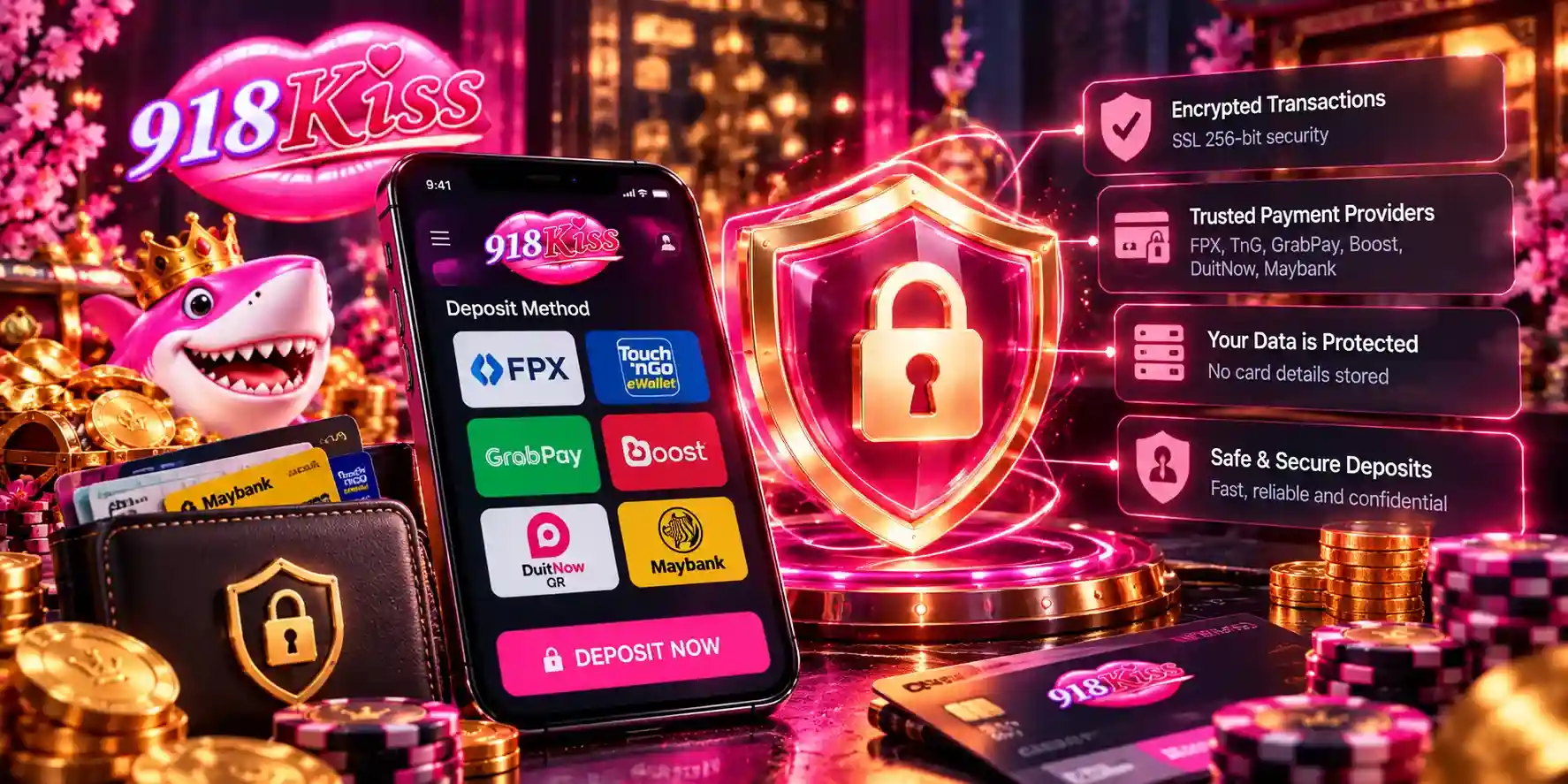
Banking and E-Wallet Security
Never type private banking credentials into an unknown gaming app or send them to an agent in chat.
Do not share:
- online banking passwords;
- ATM or debit-card PINs;
- Touch ‘n Go eWallet PINs;
- OTP or TAC codes;
- recovery codes;
- full card security information.
Payment authentication should usually happen inside the bank or payment provider’s own trusted interface.
For deposit and withdrawal details, see our payments guide.
5 Warning Signs of a Fake App or Scam Agent
Use these checks before you install software or send a transfer.
1. Guaranteed Wins or RTP Manipulation
Treat claims involving:
- guaranteed jackpots;
- RTP hacks;
- AI prediction software;
- “admin algorithms”;
- 100% winning bots
as high-risk marketing.
A third-party bot cannot credibly lock in the outcome of the next slot round.
For RTP and individual titles, see our games guide.
2. APK Sent Through an Unsolicited Message
A download that arrives via Telegram, TikTok, WhatsApp or Messenger has no trusted chain of custody just because the sender shows the platform logo.
3. Excessive Android Permissions
SMS, contacts, Accessibility Services, overlays and Device Administrator rights are powerful capabilities.
Do not approve them without a clear, verifiable reason.
4. Unexpected Payment Account Changes
Pause and double-check if an agent says:
“The previous account is full - send the money here instead.”
or:
“You need another deposit before your withdrawal can be released.”
Urgency is a frequent social-engineering tactic.
5. Instructions to Disable Device Protection
Warning signs include:
- disable Play Protect;
- ignore malware detection;
- enable unknown Accessibility services;
- install an unexplained iOS profile;
- give remote-control access to the device.
A safe download 918kiss flow should add verification steps, not strip security controls.
Kiss918 Hack Bot Scam: Why Prediction Tools Are a Warning Sign
A typical Kiss918 hack bot scam claims software can analyse upcoming slot results or tap a hidden RTP algorithm.
The victim is then told to:
- pay for the bot;
- deposit through a specific agent;
- install another APK;
- enter account credentials.
The attacker does not need working prediction software. The scam works as soon as the victim pays or installs the malicious package.
Claims like “98% prediction accuracy” or “private server access” should therefore stay unverified unless backed by independently reproducible technical evidence.
What to Do If You Installed a Suspicious APK
If you think you installed a malware slot app, act before you use banking or e-wallet services again.
- Do not open the suspicious application again.
- Revoke any permissions you granted.
- Review Android Accessibility Services.
- Review Device Administrator and notification access.
- Review “Display over other apps”.
- Uninstall the suspicious package.
- Run Google Play Protect or your device security scanner.
- Change any exposed passwords from another trusted device.
- Review recent bank and e-wallet transactions.
If banking credentials or OTP notifications may have been exposed, contact your bank or payment provider right away.
Malaysian users who have already lost money to a scam can reach the National Scam Response Centre (NSRC) at 997.
Do not send another payment because someone promises it will “unlock”, refund or recover the first transfer.
How to Report a Scam or Suspicious APK
Spotted a suspicious Telegram account, WhatsApp agent, phishing page or unknown APK?
Send it to our security team.
Email address:
Include these when you can:
- suspicious URL;
- screenshot;
- Telegram or WhatsApp username;
- APK filename;
- file size;
- SHA-256 checksum;
- date encountered;
- short explanation of what happened.
Never email passwords, OTP/TAC codes, banking PINs, e-wallet PINs, recovery codes or full payment-card details.
If you already downloaded a suspicious APK, you do not need to reopen it just to gather evidence.
How We Assess Scam Reports
We do not brand an app, site or person fraudulent based only on one anonymous complaint.
When we can, we compare technical and behavioural signals such as:
- SHA-256 fingerprints;
- Android Manifest permissions;
- APK signing certificates;
- redirect chains;
- suspicious domains;
- screenshots;
- repeated independent reports;
- known malware behaviour.
Reports backed by several independent signals carry more weight than screenshots or accusations without context.
For platform-level trust analysis rather than malware checks, see our Kiss918 review.
Quick Pre-Install Security Checklist
Before you install an app or send a payment, confirm:
- The download came from a source I chose on purpose.
- The file size lines up with the expected release.
- I know that file size alone does not prove safety.
- The SHA-256 matches the correct version when a verified reference exists.
- Android permissions look reasonable.
- No unexplained Accessibility access is requested.
- Google Play Protect stays enabled.
- Nobody has promised guaranteed wins or an RTP hack.
- Nobody has asked for my banking PIN, OTP or e-wallet PIN.
- Payment details have not changed without warning.
If any check fails, stop and verify before you continue.